Docs Account
Your account
Change your name, theme and password, sign out other devices, reset a forgotten password or delete your account.
Name and theme
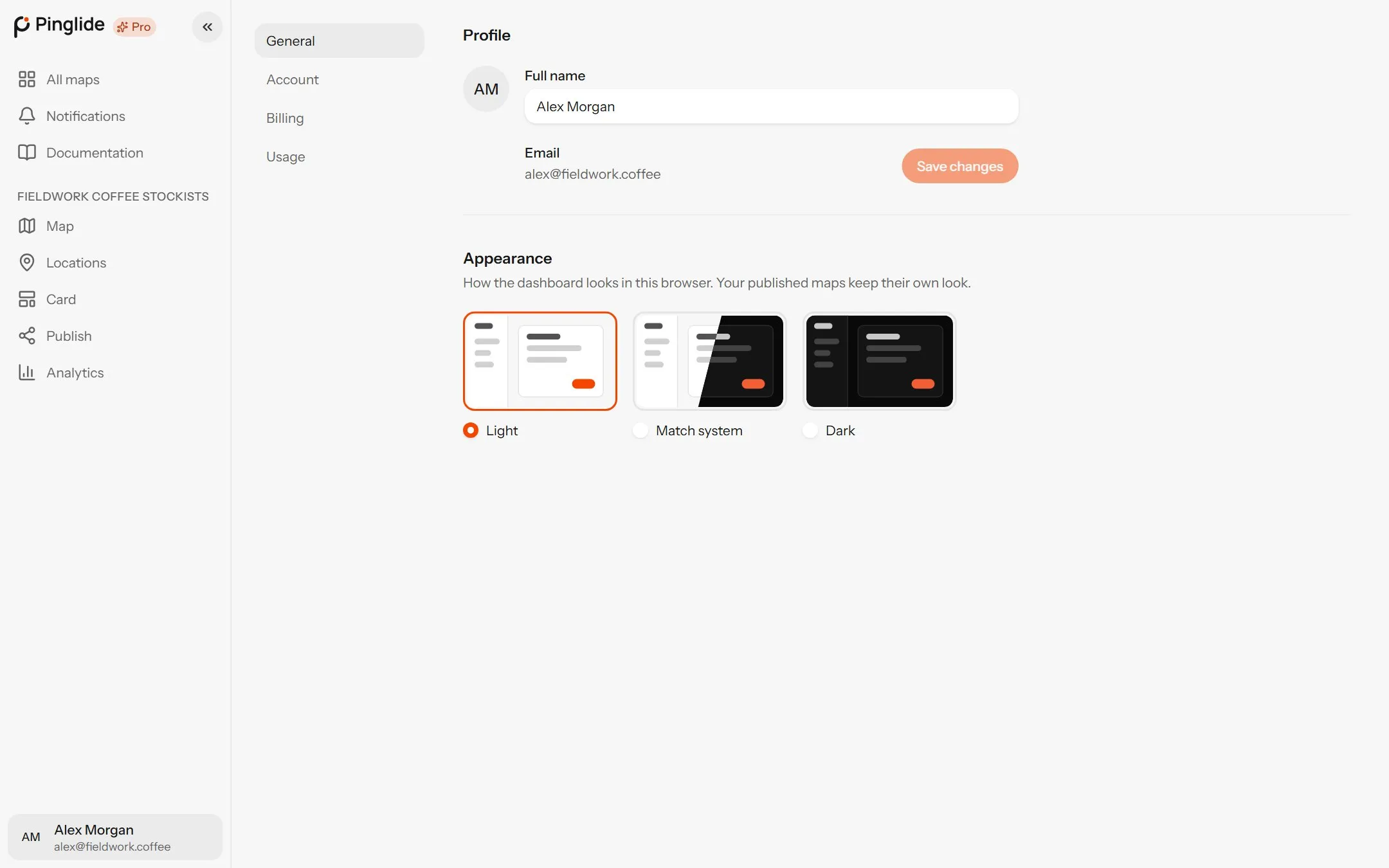
#
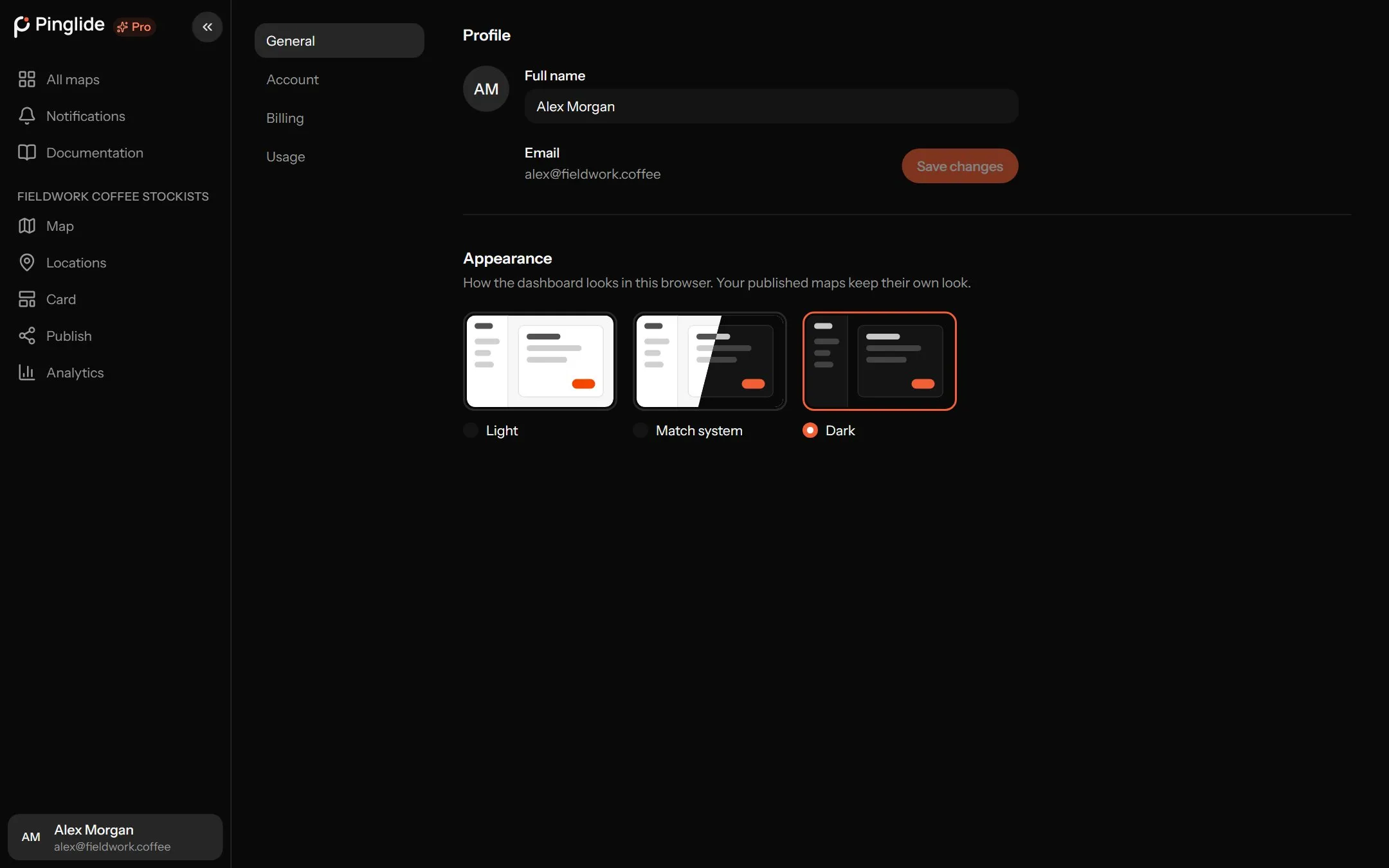
Open Settings from the account menu. Billing and Usage are in Plans and billing.
On General, change Full name and press Save changes; visitors never see it. Appearance sets this browser’s dashboard to Light, Dark or Match system.
Changing your password
#On Account, fill in Current password, New password (at least 8 characters) and Confirm new password, then press Change password. Other devices are signed out.
| What you see | What to do |
|---|---|
| That isn’t your current password | Try again, or sign out and use Forgot password?. |
| You’ve used that password before on this account | Choose one you haven’t used here. |
| Leave your name and email out of the password | Choose one without either. |
| That password isn’t allowed | It’s too common. Choose a longer or rarer one. |
Signed up with Google or GitHub? There’s no password to change.
Signed-in devices
#Signed-in devices lists everywhere you’re signed in. Press Sign out beside any you don’t recognise, or Sign out other devices — then change your password.
Forgotten your password
#Ask for a link
On the log-in page, press Forgot password?, enter your email and press Email me a link.
Choose a new one
Open the link, fill in New password and Confirm password, and press Save password.
The link works once and expires in an hour; if it fails, press Ask for a new link.
Confirming your email
#Until you confirm, nothing saves. Open the link we email you and press Confirm email. No email? Check spam, or press Send a new link in the banner. Links last 24 hours and work once. An address left unconfirmed for 7 days is deleted with its account; sign up again if that happens.
Deleting your account
#This deletes your maps, locations, photos and analytics, and cancels any subscription. Maps embedded on your site stop working. It can’t be undone.
Press Delete account
At the foot of Account.
Confirm with your email
Type your email and press Delete account. Keep the page open until it takes you to the home page.
If it stops partway, Try again carries on from there.